Same Face in Every Image: What a Character Sheet Is
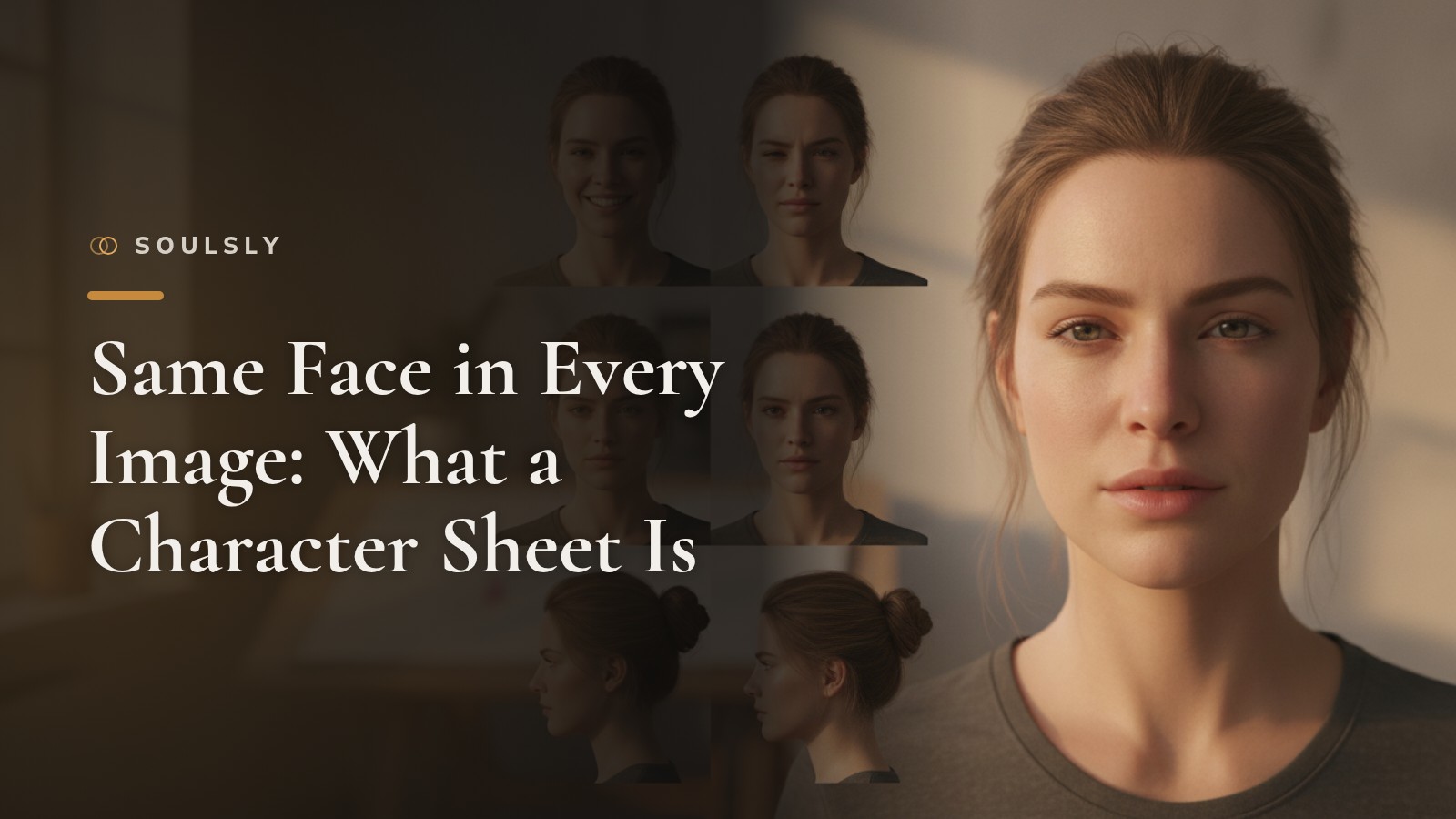
A Character Sheet is a reference sheet that records a character’s face, hair, build, and clothing from multiple angles so they look the same in every image. Why does your character in Image 10 still look like in Image 1? Because this reference keeps them together.
Key takeaways
- A Character Sheet records a figure’s appearance, proportions, and features in one place.
- It prevents changes to face, hair, or body type from going unnoticed from image to image.
- With Soulsly, the Character Sheet captures face, hair, and build from every angle, so your companion remains recognizable in every image and clip.
What is a Character Sheet and why is it important?
It is a kind of dossier in image form. Traditionally, artists draw a character from the front, side, and back, plus typical facial expressions, clothing, and details like scars, moles, or accessories. Game studios, comic teams, and animated films have long used it because many people work on a character and everyone must share the same image in their minds.
With AI images, the problem is even clearer. Each new image is freshly generated. Without a fixed reference, eye shape, hair color, or nose shape drift from image to image. You often notice it only when you lay several images side by side: the figure looks like a distant relative of itself. A fixed reference gives the AI an anchor to align every new image to.
How does a Character Sheet work in practice?
A good reference answers a simple question: What makes this figure instantly recognizable? It records several elements:
- Face: Shape, eyes, eyebrows, nose, mouth, and typical expressions
- Hair: Color, length, cut, and style
- Build: Height, physique, and proportions
- Clothing and details: recurring outfits, jewelry, glasses, or other trademarks
- Viewpoints: front view, side view, and three-quarter view
Soulsly uses this principle for your companion. You design appearance, personality, backstory, and voice in the Wizard. Name and a few sentences are enough to start; everything can be changed later. The Character Sheet then records the face, hair, and build from every angle. This keeps your companion recognizable in every image and every short clip, no matter the scene.
Describe the scene in one sentence, for example a walk on the beach or an evening in a café. From this sentence, images and short clips are generated in which your companion looks like your companion. Even during virtual trips with photos and clips, the appearance remains the same.
Why appearance and personality belong together
A consistent face is only part of what makes a character come alive. A companion has a personality, a backstory, and a voice. With Soulsly you can text with your companion and even call in real time with their own voice. They remember what you’ve told them across chats and calls. If the appearance also stays stable, you get the impression of a person rather than a string of random images.
How to thoughtfully set up personality and background is explained in our post KI-Charakter erstellen: Persönlichkeit. It’s a good complement before you tackle the appearance.
Which mistakes should you avoid?
- Too vague description: “Nice-looking woman with long hair” leaves too much open. The clearer the features, the more stable the result.
- Too many details at once: Start with a few bold features and add later.
- Contradictions: If the description mentions both short and long hair, no one can predict the result.
- Only one view: Without side and three-quarter views, the AI guesses how the figure looks from the side.
- Changing appearance constantly: If you adjust the look later, do it intentionally and change it in the companion itself, not image by image.
At a glance
| Approach | Advantage | Suitable for |
|---|---|---|
| Individual images without reference | Quick, spontaneous | One-off motifs |
| Self-drawn reference sheet | Full control over every detail | Artists and comics projects |
| Character Sheet with Soulsly | Face, hair, and build are captured from every angle | Companions that should stay recognizable across many images and clips |
Publish and share
Your companion stays private until you publish them. If you want, you can showcase them in the gallery. Others can pick them up and create their own stories with them. Because the appearance is captured, they look the same everywhere.
Frequently asked questions
What is a Character Sheet for AI images?
It’s a fixed reference for a figure. It captures face, hair, build, and other features from multiple angles. This allows the AI to generate new images where the figure remains recognizable.
How does an AI character stay the same in every image?
You need a clear, non-contradictory description and a fixed reference. At Soulsly, the Character Sheet takes on this task: it records face, hair, and build so your companion stays recognizable in every image and clip.
Can I change the appearance of my companion later?
Yes. Everything you set in the Wizard can be changed later. For a start, a name and a few sentences are enough.